History and My templates: see what was sent and manage templates
PDF Docs, Invoices + eSignatures · Updated
Short answer
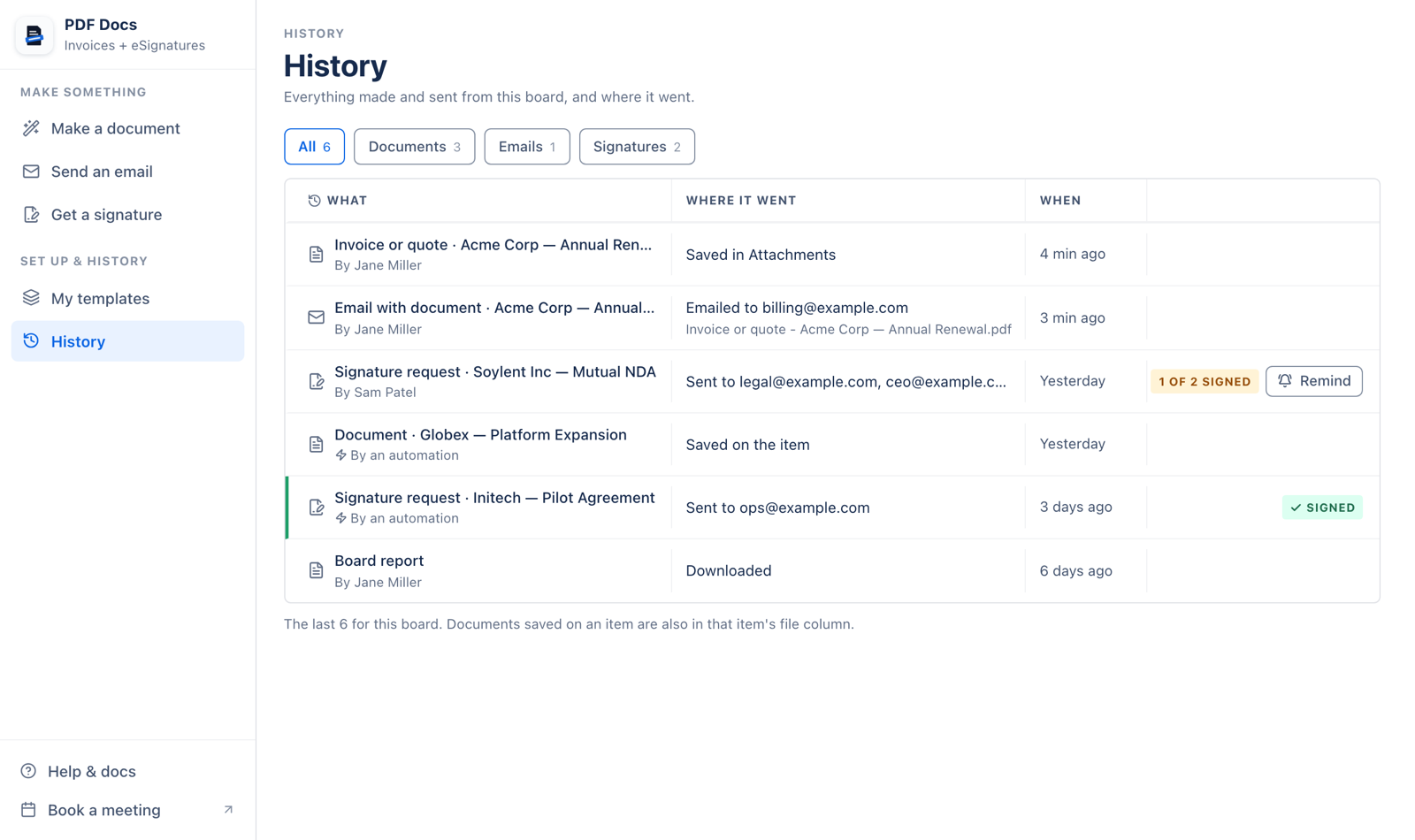
History lists everything made and sent from the board, newest first, with filters for documents, emails and signatures, and how many people have signed. My templates lists every template on your account with Use, Change, Copy for Word and Delete.
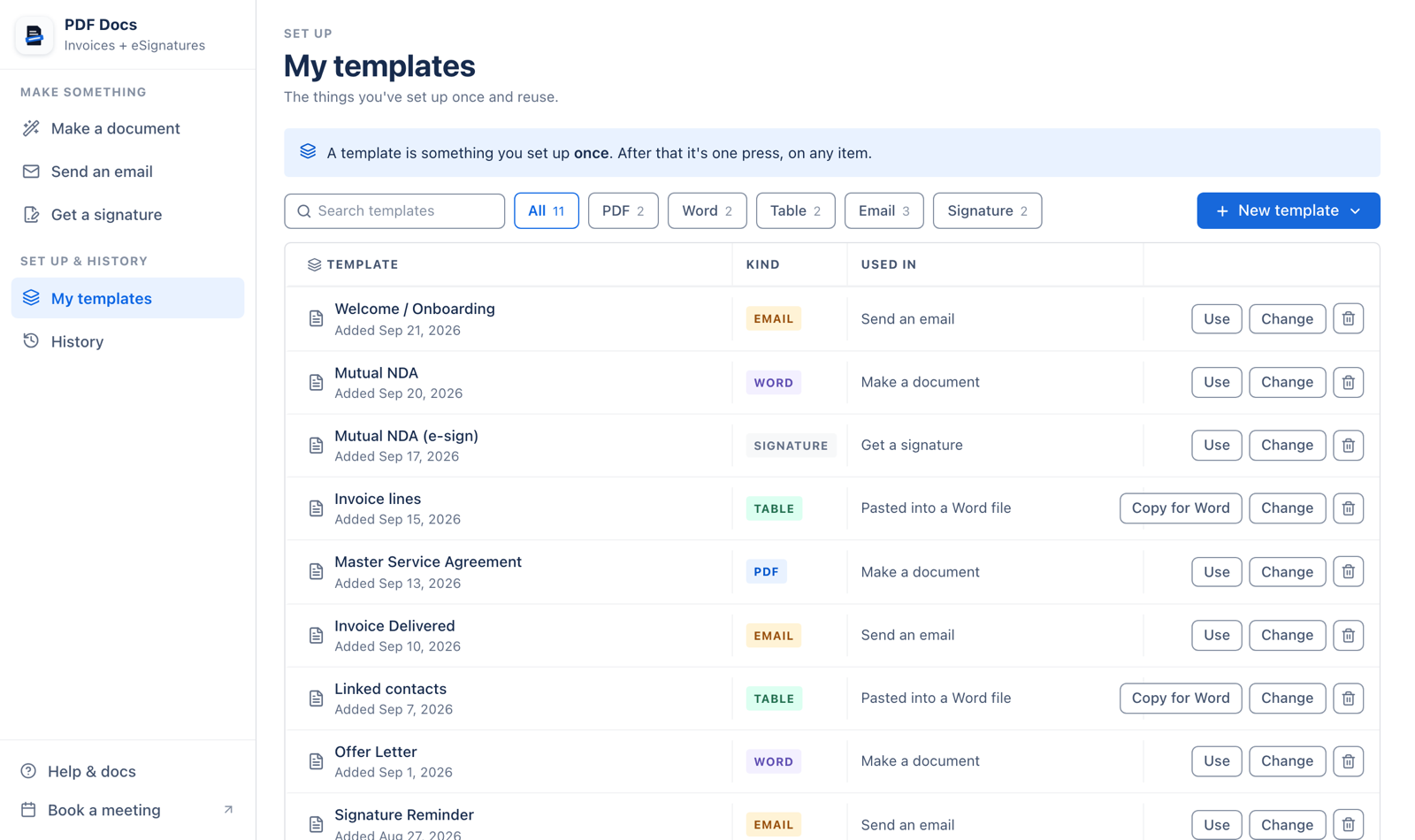
New template in My templates creates any kind: Word file, PDF file, simple or designed email, signature from Word or PDF, and tables for a Word file. Deleting a template removes it for everyone on your account.
Related articles
Still stuck? Email support@fortimus.co or book a 15-minute call. Don’t have the app yet? Add PDF Docs to monday.com.