MasterForms · Coming soon
The form that fills
your board.
Build a form from your board’s columns, share one link, and every response becomes an item, with its subitems, files and a filled PDF. Respondents need no monday.com account, and they can come back and edit their answers.
Teams around the globe run on Fortimus apps





From board to form in minutes
No field mapping, no second place to keep answers. The questions are your columns.
Service requests
Main tableMasterFormsStep 1
Add it to a board
Add MasterForms as a view on the board that should receive the responses. It reads the board’s columns.
Board columns
✓Name
✓Request type
✓Preferred date
Contact phone
Step 2
Tick the columns
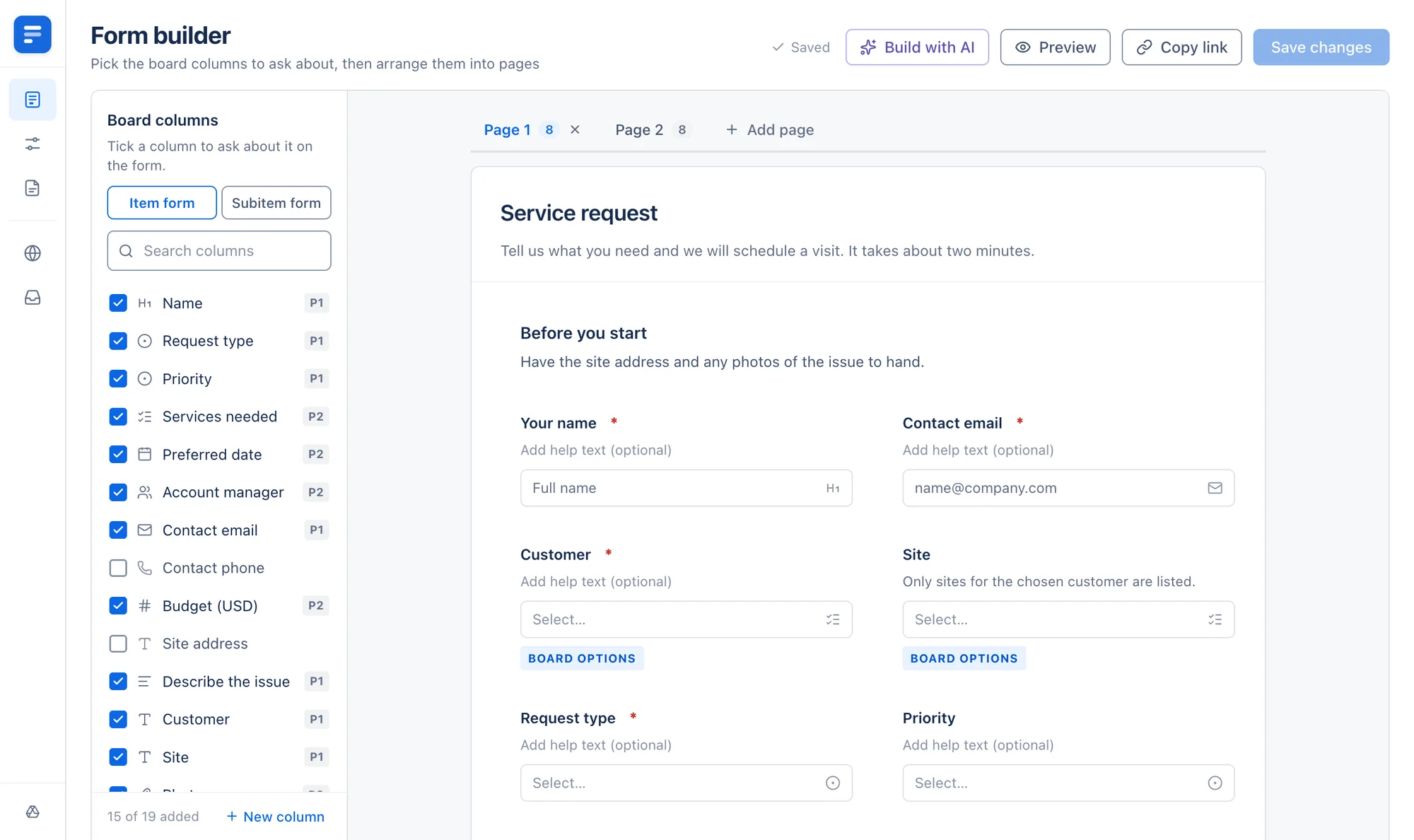
Every column you tick becomes a question. Reword it, add help text and mark it required.
Form link
forms.fortimus.co/…Copy linkStep 3
Share the link
Press Copy link and send it to anyone. They answer in the browser, with no monday.com account.
New item
Hana Dubois RepairNew item
Kofi Mensah InspectionStep 4
Responses become items
Each submission creates an item in the group you chose, with every answer in its column.
Ask once.
It’s already on the board.
Stop copying form answers into monday.com. MasterForms asks about your board’s own columns and writes each answer straight into them, so the response is an item your team can work on the moment it arrives.
Questions are your columns
Tick a column and it becomes a question. Status and dropdown questions offer the labels your board already uses, so answers arrive in the right shape.
Answers can be corrected
Respondents get a private link that reopens their answers. An edit updates the same item instead of creating another one.
No account needed
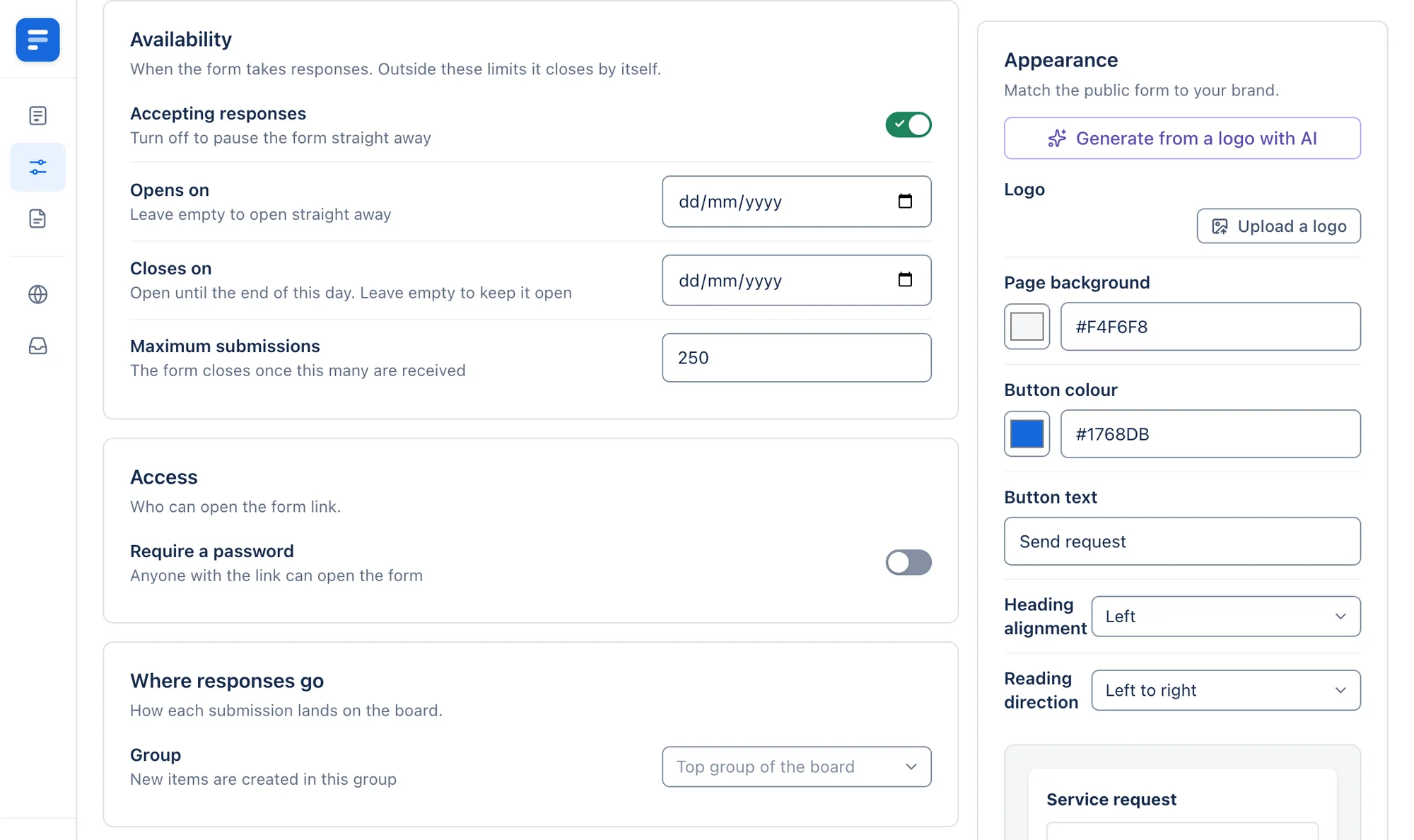
Anyone with the link can answer in a browser. Add a password when the form is not meant for everyone.
Everything a form needs, on the board it feeds
Build it, set its rules, file a PDF and watch the responses come in.
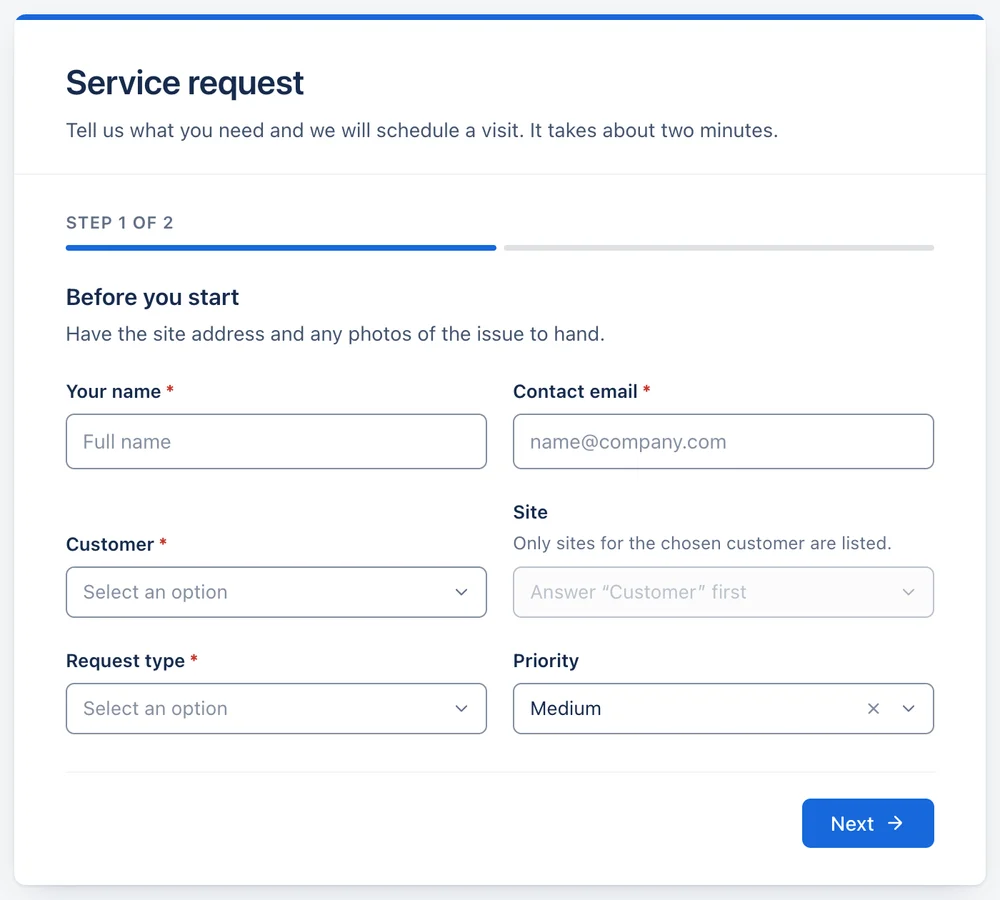
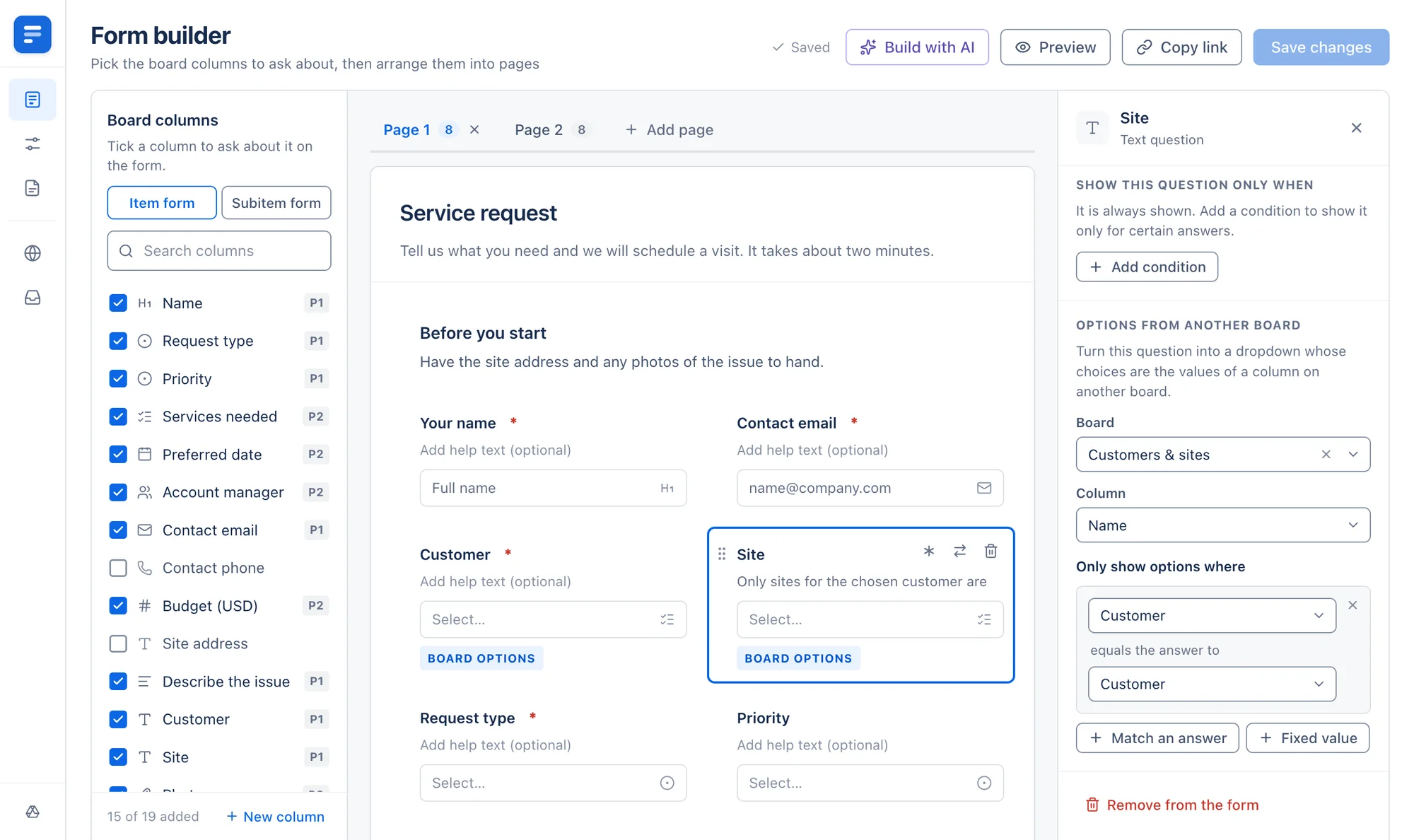
Tick the columns to ask about, then drag the questions into pages and side-by-side rows. Add headings, text, images and dividers between them, or describe the form and let Build with AI draft it from your columns.
- Several pages, with a progress bar for the respondent
- Create a new board column without leaving the builder
MasterForms and monday WorkForms
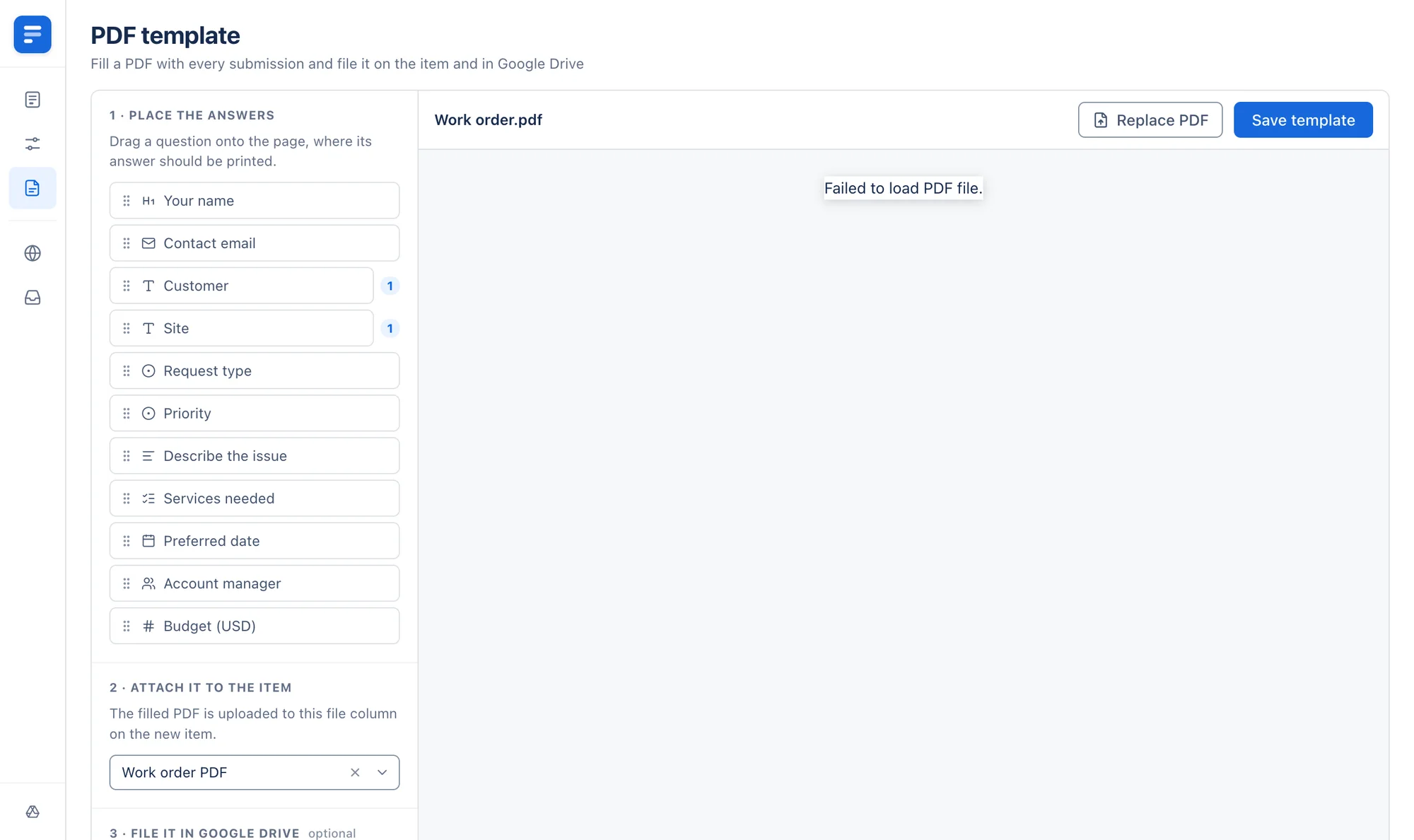
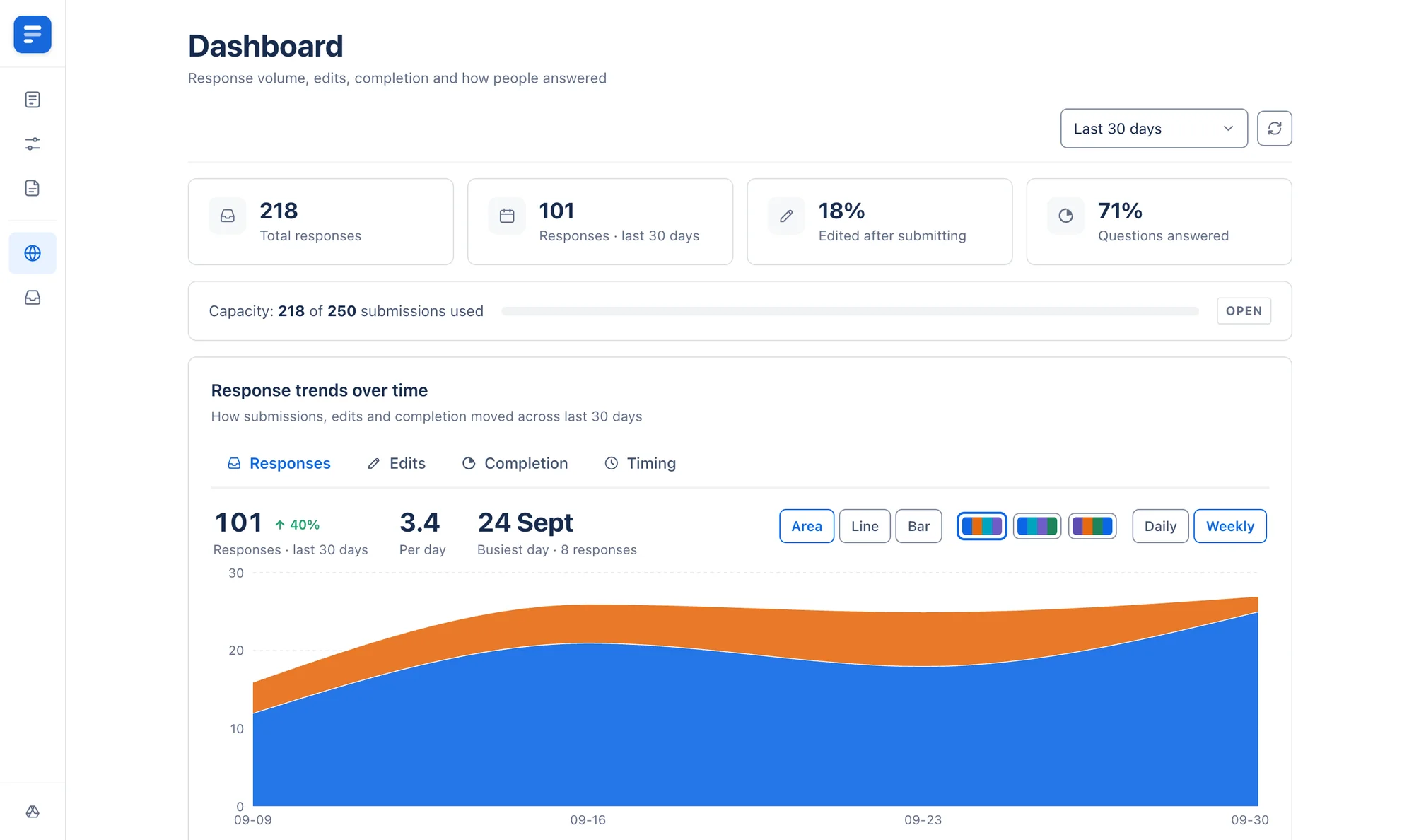
WorkForms comes with monday.com and covers a lot. MasterForms is for the forms it doesn’t: ones people edit later, that need a PDF, or that pull their choices from other boards.
Respondents edit their answers
MasterForms
Yes. A private link reopens the answers and updates the same item, with an edit limit you set.monday WorkForms
Enterprise accounts only. Outside respondents get up to ten edits.Editing subitem lines
MasterForms
Lines can be changed, added or removed, and you choose which of those to allow.monday WorkForms
Lines can be edited or added to, but not deleted.A filled PDF on the item
MasterForms
Answers are printed onto your own PDF and attached to a file column, with an optional copy in Google Drive.monday WorkForms
The submitter can export their own response to PDF.Choices from another board
MasterForms
A dropdown fed by a column on another board, narrowed by an earlier answer.monday WorkForms
Not among the WorkForms question types.Connected board questions
MasterForms
Work on a public form.monday WorkForms
Respondents must log in to your monday.com account.People questions
MasterForms
Work on a public form, limited to the people you choose.monday WorkForms
Account members only, unless an admin opens account data to public forms.Password on the form
MasterForms
Yes.monday WorkForms
Enterprise accounts only.Subitems question
MasterForms
Yes.monday WorkForms
Pro and Enterprise accounts only.Pre-filled links
MasterForms
Yes.monday WorkForms
Pro and Enterprise accounts only.Conditional questions, response limit, close date, redirect
MasterForms
Yes.monday WorkForms
Yes.CAPTCHA and AI translation
MasterForms
Not yet.monday WorkForms
reCAPTCHA, and AI translation into up to 50 languages.Timeline, hour and location questions
MasterForms
Not yet.monday WorkForms
Yes.Cost
MasterForms
A separate marketplace app.monday WorkForms
Part of monday.com.WorkForms details are from monday.com’s help centre, October 2026. monday.com changes WorkForms often, so check its help centre for the latest.
Ask for anything your board holds
Every question is tied to a column, so the answer lands where your team already looks.
Status and dropdowns
Respondents choose from the labels your board already has: one for a status, several for a dropdown.
PRPriya Raman
DODaniel Okafor
People and dates
A searchable people picker, limited to the people you choose, and a date picker for date columns.
site-photo.jpg
Hana Dubois
Signature
Files and signatures
Respondents upload files of up to 10 MB each, or draw a signature instead. Both are saved to the file column.
Line items
Cable · 40 metres
Labour · 6 hours
Add a line
Subitems
Respondents add one line at a time, and each line becomes a subitem with its own columns.
Customer
Site
Choices from other boards
Let respondents pick an item from a connected board, or choose from a column on another board.
Updates
Ask for a longer answer and post it as an update on the new item, where your team already talks.
One submission.
Everything follows.
The answers become one item on your board. Lines the respondent added become its subitems, your PDF is filled in and attached, and a “form is submitted” trigger lets a monday.com automation take it from there.
Built for the forms teams send
Client requests and intake
Send clients one link. Their request arrives as an item with its status, dates and files already in the right columns, ready to schedule.
Orders with line items
Respondents add one line at a time, each with its own quantity and notes. Every line becomes a subitem under the order.
Forms people come back to
Registrations and applications change. The private edit link reopens the answers and updates the same item, up to the number of edits you allow.
Built for respondents, too
accounts your respondents need: they answer in the browser
each response is one item, however many times it is edited
per uploaded file, saved to the item’s file column
Questions, answered
Fortimus Apps
MasterForms is better with the rest of the set
Built by the same team for the same boards. Put the new item on every team’s board, give it a Google Drive folder, and turn it into a quote or contract your client can sign.
Includes
 MasterForms
 Mirror Item
 Master Automations
 Google Drive Integration
 PDF Docs + eSignatures
- MasterFormsForms built from your columns, with every response an itemYou’re here
- Mirror ItemThe same item on every board
- Master AutomationsTrigger from mirror columns and pass values down to subitems
- Google Drive IntegrationA Drive folder for every item, with files kept in sync
- PDF Docs + eSignaturesTurn items into PDFs and Word files, then get them signed