How to sync updates and comments between monday.com boards
By Arnav Ghatage, founder of Fortimus · Updated
Short answer
monday.com mirror columns show column values from a connected item, not its updates, so each board ends up with its own conversation. To sync updates between boards, install Mirror Item Multiple Boards by Fortimus and add the item to the other board with Add Updates switched on. The existing conversation comes along, and new updates, edits and replies posted on any board appear on all of them under the name of the person who wrote them.
Column values are usually the easy part. The real problem is the conversation: the client team comments on their board, the delivery team replies on theirs, and nobody sees the whole thread. A status says "Stuck" on one board and the reason is written on another.
This page covers update sync only. For putting the item itself on several boards, start with the same item on multiple boards guide.
What monday.com does with updates on its own
| Native option | What happens to updates |
|---|---|
| Connect Boards + Mirror column | Not shown. A mirror column shows column values, and the Updates section is not one of them |
| Duplicate the item | You can include the existing updates, then each copy collects its own |
| Move the item | The updates move with it, off the original board |
| Email or @mention someone | They are notified, but the update still lives on one board |
Turn on update sync for an item
- 1Open the item and click the Mirror Item Multiple Boards tab.
- 2Choose the other board and group, and switch on Add Updates before clicking Add Item. The current conversation is brought across.
- 3Ask each person who posts on these items to open the Mirror Item tab once and authorize the app. Their updates then sync under their own name.
- 4Post a test update on the second board and check it appears on the first.
New to Mirror Item? The full setup in five steps covers installing, matching columns and the item panel, and the Mirror Item app page covers plans and features.
Why each person authorizes once
Synced updates are posted on behalf of the person who wrote them, so the name and avatar on every board are correct and replies thread properly. That needs each user's permission once. People are prompted the first time they open Mirror Item, and an admin can see who has not authorized yet in the app and notify them. Updates written before someone authorized are not synced after the fact.
Show which board an update came from
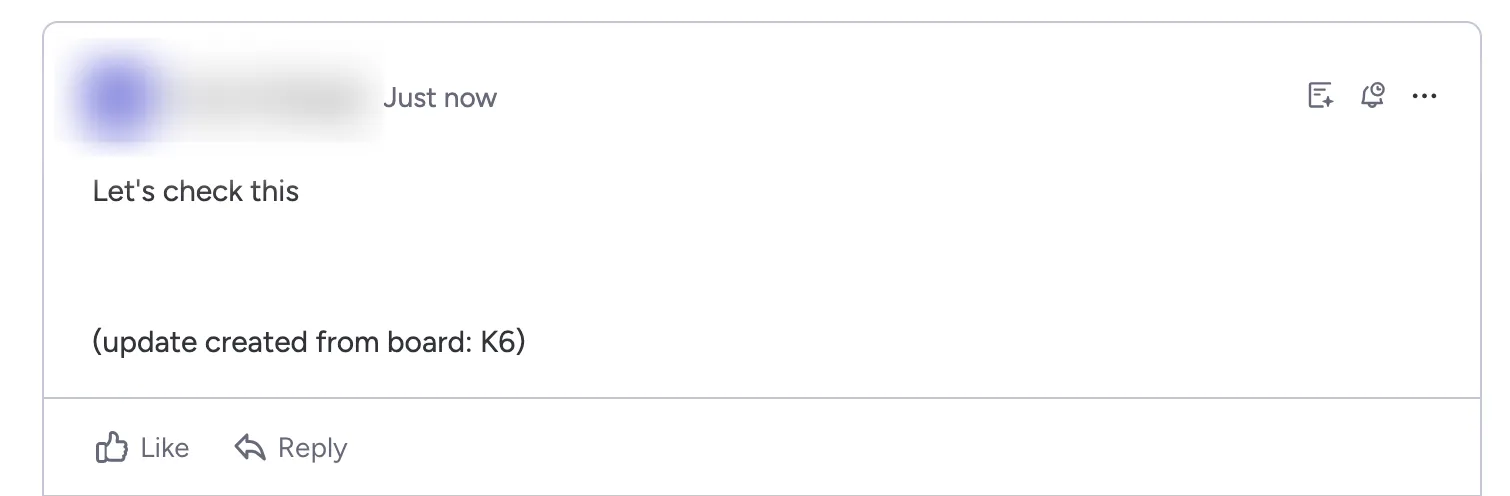
Turn on Add Board Info in Update in the Global Settings tab. Synced updates then end with a note such as "[From: Marketing Board]", which helps when an item is on three or more boards.
Keep internal notes on one board
You can exclude boards and authors from update sync. A common setup: client-facing updates sync between the internal board and the client board, while updates from the internal team stay on the internal board. One-way sync is also possible by turning off a board's update webhooks, see one-way sync.
One conversation on every board. Free plan, no credit card.
Get Mirror Item freeUpdates on subitems
Subitem updates and replies sync the same way when the subitems are brought along with Add Subitems. See mirror subitems in monday.com.
Frequently asked questions
Can monday.com sync updates between boards?
Not natively; mirror columns do not include the Updates section. Mirror Item Multiple Boards by Fortimus syncs updates, replies and edits across every board an item is linked to.
Whose name appears on a synced update?
The person who wrote it. Updates are posted on their behalf once they have authorized the app.
Are existing updates brought across when I add an item to another board?
Yes. With Add Updates switched on, the existing conversation comes along to the new board.
Updates are not syncing for one person. Why?
That person has probably not authorized the app yet. See updates not syncing.
Can I keep some updates on one board only?
Yes. Exclude boards or authors from update sync, for example to keep internal notes on the internal board while client-facing updates reach the client board.