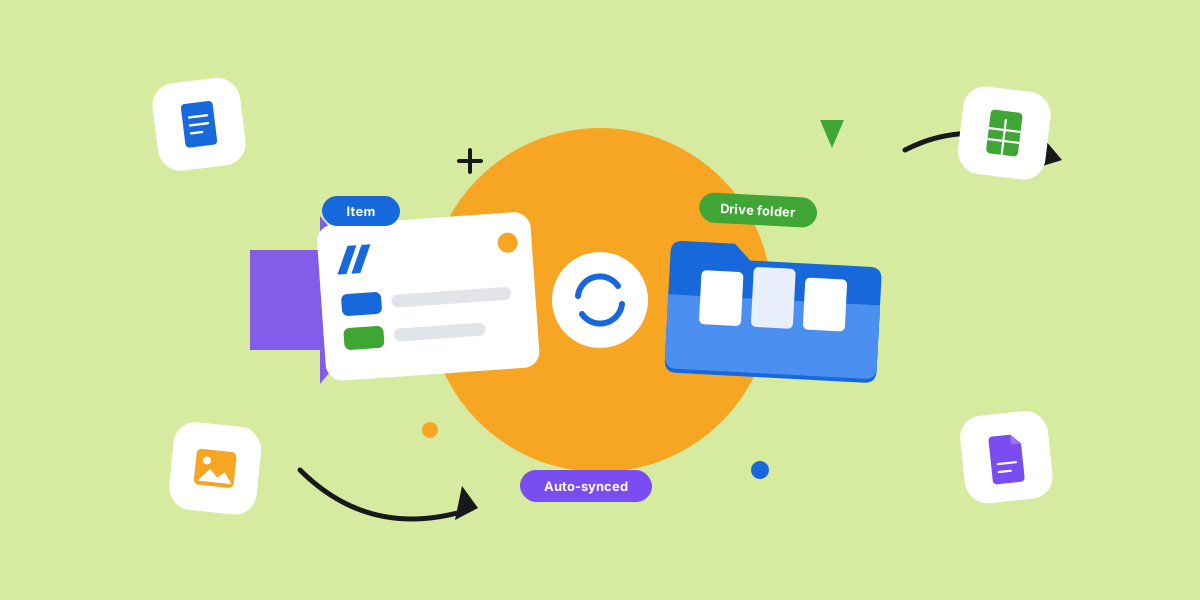
Files have a way of going missing on monday.com. Someone attaches a contract to an item, someone else drops the final asset in an update, and three weeks later you are scrolling through comments trying to find the right version.
The fix is not more discipline. It is structure that happens on its own — a Google Drive folder for every monday.com item, with files syncing into it automatically. Here is how to set it up without thinking about it.
Why monday.com's native Google Drive option is link-only
The native Files column lets you upload a file or paste a link, but that is the extent of it. There is no automatic folder structure, no naming rules, and crucially no true sync — you end up dragging things to Drive by hand or pasting links back into the board, one file at a time.
So you get two homes for files: some uploaded into monday, some in Drive, and no clear rule for which goes where. That split is how the hunting starts — and why "where is that file?" becomes a daily question.
Automatically create a Google Drive folder for each item
The cleanest setup is one Drive folder per item, created automatically the moment the item is made. New client, new folder. No one has to remember to set it up. We cover the exact steps in auto-create Google Drive folders.
Because the folder is born with the item, there is never a gap where files have nowhere to go. Every item has a home from the first second it exists.
Name and nest folders from your board data
A folder called "New Item" helps no one. The trick is to name folders from your board's columns and nest them, so a path like "Acme Corp / Q3 Launch / Assets" builds itself from the item name, group, and status.
Set the pattern once and every new item lands in a predictable place, every time — no two people inventing their own naming scheme, no orphaned folders at the top level.
Sync files from the monday Files column straight to Drive
Folders are half of it. The other half is making files flow from monday into the right folder on their own. When someone adds a file to the Files column, it should sync to that item's Drive folder, with no manual upload and no duplicates. That is attaching Drive files to monday items done properly.
When you rename an item, the folder can rename with it. When you add a newer version, it updates in place instead of making a second copy. The structure stays clean on its own, even as items move between groups.
Setting it up
Google Drive Integration + Sync handles all of this with automation recipes you set once. A typical setup looks like this:
- When an item is created, make a Drive folder named from the item and save the link back on the item.
- When a file is added to the Files column, push it into that item's folder.
- When the item name changes, rename the folder to match.
- For bigger jobs, nest subfolders for subitems so each piece of work has its own spot.
Good file organization is the kind you never have to think about. It just happens as you work.
Frequently asked questions
How do I attach a Google Drive file to a monday.com item?
You can paste a Drive link into the Files column manually, but that gets tedious fast. With an integration, files added to an item sync to its Drive folder automatically — here is the full walkthrough.
Can I use a Google Shared Drive with monday.com?
Shared Drives are a common ask because most teams keep company files there, not in a personal Drive. Choose an integration that can create and sync folders inside a Shared Drive so files land where the rest of your company already works.
Why do my Google Drive links break when I move an item?
Plain pasted links break because nothing keeps them in step with the item. A real sync keeps the folder tied to the item, so renaming the item renames the folder and the link stays valid instead of pointing at a folder that no longer matches.
Set this up once and the "where is that file?" question mostly disappears. Your work and your files finally live in the same shape.