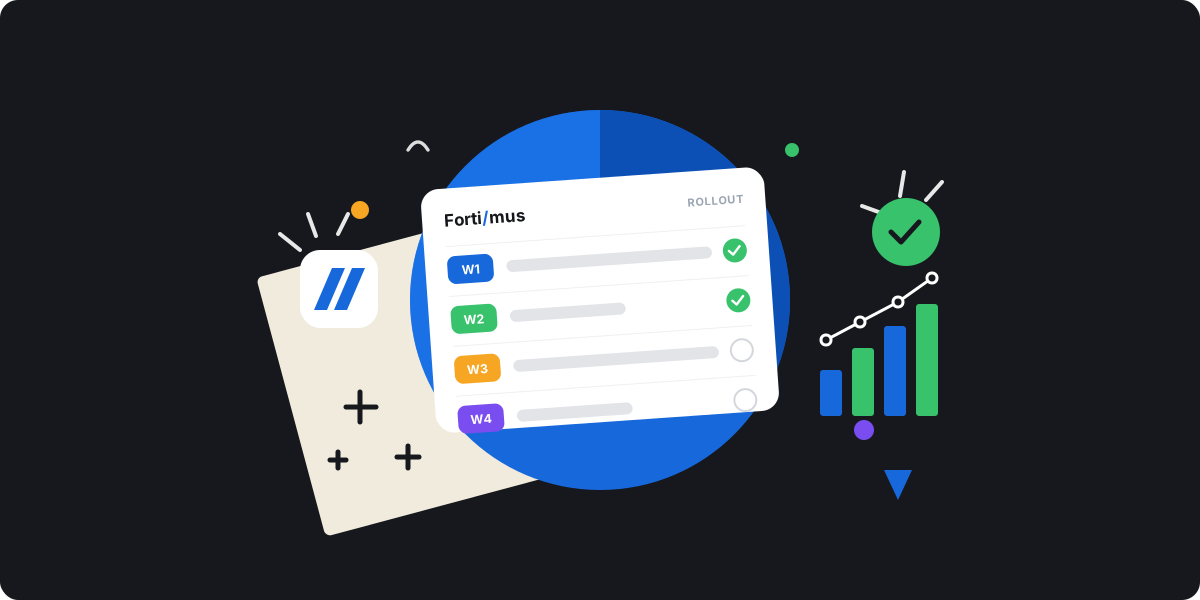
Rolling out monday.com to a new team usually goes one of two ways. Either people are productive within a week, or the tool quietly gets ignored and everyone drifts back to spreadsheets and chat.
The difference is rarely the software — it is the rollout plan. Here is a week-by-week plan to roll out monday.com to a new team and get them actually using it, without drowning anyone on the first morning, and without paying for a consultant.
Why most monday.com rollouts fail
Rollouts rarely fail on day one. They fail over the following month. The usual reason: the team just adds monday.com on top of everything they already use, so it becomes extra work instead of the place work happens.
The other quiet killer is assuming people will use it because it exists. Adoption shows up 30 to 90 days after launch, not on launch day, and long theoretical training sessions rarely stick. A rollout plan has to account for the people, not just the boards.
Before day one: define what success looks like
Do the boring prep before anyone logs in. Decide what "working" means for this team — one workflow running in monday instead of in chat — so you have something concrete to aim at. Then set up the workspace, build the first board from a template, and decide the few columns that matter: status, owner, due date, priority.
Pick one real workflow to start with, not five. The goal of week one is one workflow running well, not a full migration of everything you have ever tracked. A clean starting board beats a blank one every time.
Day one: keep it light
On day one, show, do not dump. Walk the team through the one board they will actually use. Explain what a board, a group, and an item are, and stop there. Dashboards and automations can wait.
Give everyone one small, real task to do in monday that same day. People learn a tool by using it on something that matters, not by watching a tour.
Days two and three: move the real work in
Now move the team's actual work onto the board. Do not recreate the spreadsheet column-for-column. Use the move as a chance to simplify, and if a field never gets used, leave it behind.
If several teams or projects need a shared view, this is when you set up a master board so leadership can see everything in one place while each team keeps its own.
Days four and five: connect boards and automate
By now the basics feel natural, so add the things that save time. Set up a couple of automations for reminders and handoffs. If the team shares work with another board, connect them with Mirror Item so nobody is copy-pasting between boards — the same task stays in sync across every board it appears on.
Name a go-to person
Pick one person who knows the setup and can answer quick questions. New users hesitate to bug a manager but will happily ask a peer. A go-to buddy keeps small confusions from becoming reasons to quit the tool.
A team adopts a tool when it makes their day easier in the first week, not when it's fully configured.
How to actually get your team to use monday.com
Setup is the easy part; adoption is where rollouts live or die. A few things move the needle more than any feature:
- Have the talk first. Agree as a team how you'll communicate when a task is done, and hold people to it until it becomes a habit.
- Let the team shape the labels and statuses. People use a system they helped build.
- Make monday the single place the work lives, not a mirror of a spreadsheet someone still updates on the side.
- Name a champion on the team — a peer who models the behavior beats a manager enforcing it.
After the first week: a simple rollout checklist
One week gets a team working. Real fluency takes longer, and that is fine. Check in after a month, prune anything nobody uses, and add the next workflow once the first one is second nature.
- One workflow live and used daily by the whole team.
- Boards kept simple — every extra column is a small cost paid by everyone, every day.
- A couple of automations handling reminders and handoffs.
- Shared work connected across boards instead of copy-pasted.
- A named go-to person, and a team agreement on how work gets updated.
A simple setup can be running in two to three weeks; a bigger one takes four to eight. If you get stuck on a specific feature, our help docs walk through the common setups step by step.